Ever feel buried under to-do lists that vanish by noon? Or stare at study notes that blur together? You know the chaos.
Mind mapping turns that mess into clear visuals. Start with one central idea. Let branches spread to connected thoughts. Your brain thrives on pictures and links, so this method boosts memory and sparks fresh ideas. Plus, it simplifies planning without fancy skills.
You can master it fast. These steps keep things simple and fun. Let’s jump in.
Build Your First Mind Map Step by Step
Grab paper and pen. No apps yet. Start here to build confidence. Keep maps brain-friendly. Use a circle for the center. Draw curved branches, not straight ones. Pick 3-7 main branches max. Add colors and quick doodles. Keywords beat full sentences every time.
Practice builds skill quick. Do these three exercises in order. Spend just minutes each. Watch ideas flow naturally.
Exercise 1: Sketch a Simple Central Idea Map
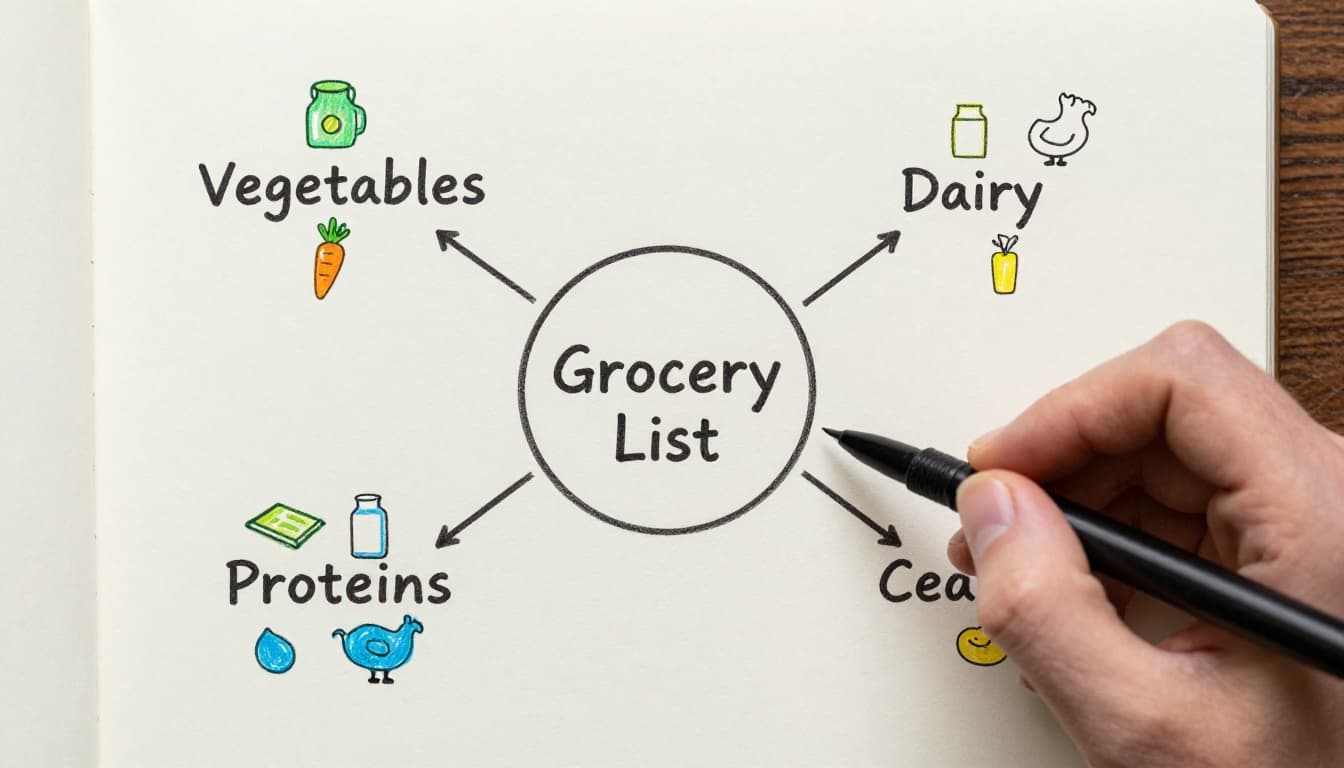
Pick a daily topic. Say, your grocery list. Write the main idea smack in the page center. Circle it or sketch a quick image around it.
Draw 3-5 branches with curved lines. Jot one-word ideas like “veggies” or “snacks.” Add 1-2 short sub-branches per arm. Use icons, not perfection.
Try it now. Takes 2-3 minutes. Builds the habit right away.
For more beginner steps, check Creately’s easy guide to making mind maps.
Exercise 2: Organize with Main Categories
Build on your first map. Spot 3-7 categories from the center. Use thick lines to connect them. Thinner lines for details under each.
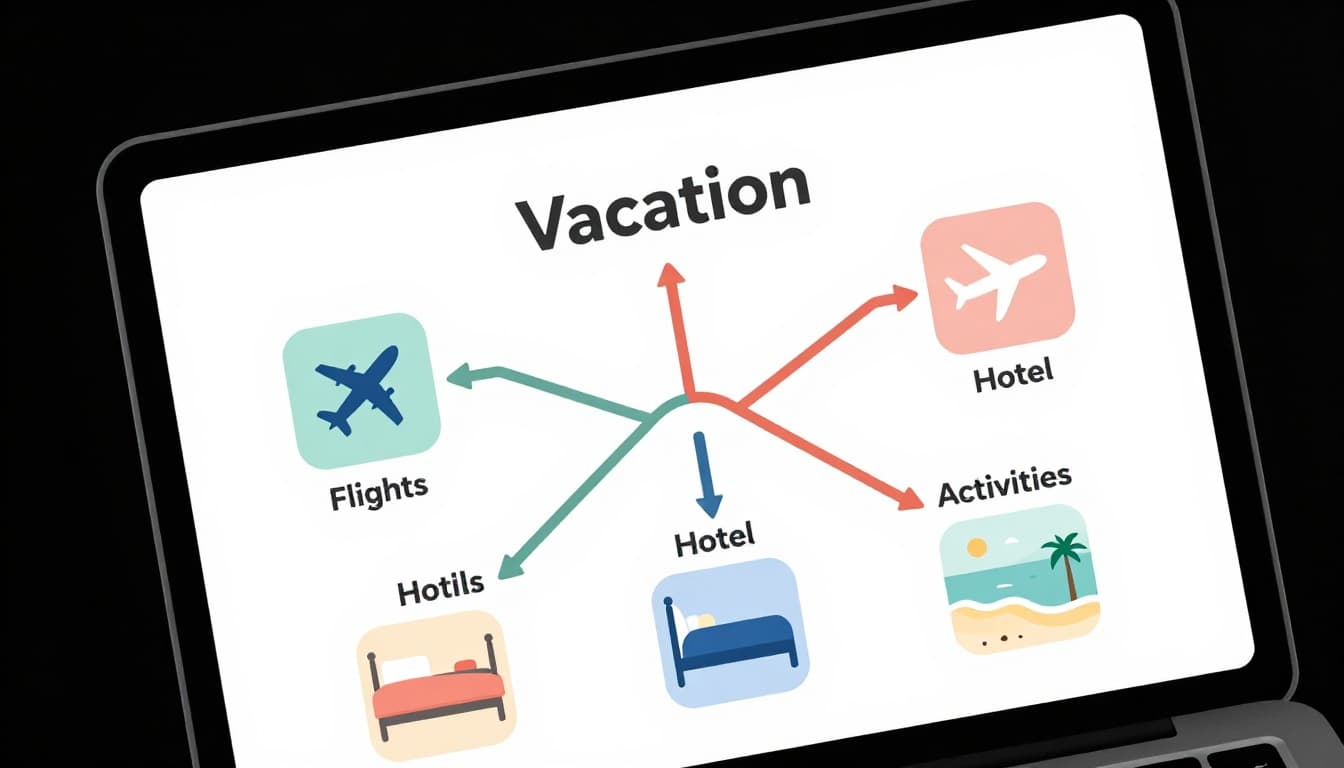
Color-code mains blue, subs green. Or whatever grabs you. Example: Plan a vacation. Center “Trip.” Branches: “Flights,” “Hotel,” “Food.” Subs: “Cheap tickets,” “Beach spot.”
See the flow? Categories tame wild thoughts. Practice once a day.
Exercise 3: Draw Links Between Ideas
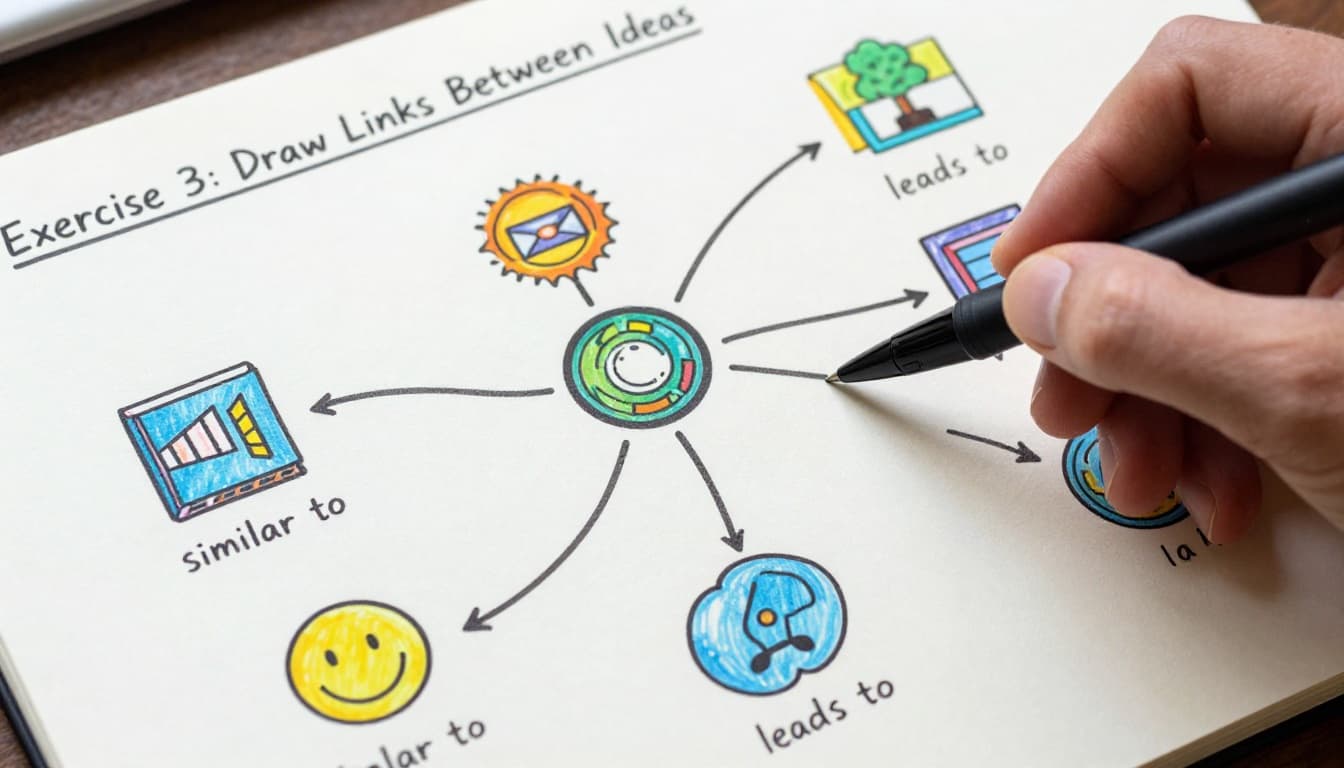
Finish a basic map. Hunt connections across branches. Add dotted lines. Label simple: “similar to” or “leads to.”
This step uncovers gems. Like how “cheap flights” links to “extra beach days.” Insights pop fast.
Your maps grow smarter. Do it after every sketch.
Free Tools and Quick Daily Habits for Easy Practice
Paper rules first. It’s free, tactile, no distractions. Pen scratches help ideas stick. Once comfy, try digital for edits.
In April 2026, free apps shine for beginners. GitMind turns text to maps with AI. Coggle handles quick public diagrams. Bubbl.us stays super basic. Canva offers templates. All browser-based, no downloads.
Stick to Chunk-Organize-Connect-Doodle. Break big topics small. Group with bold visuals. Link keys thick. Doodle for fun. Do 3-5 minutes daily on real stuff. Boosts retention big time.
Pick Paper, Pen, or Free Apps to Start Mapping Today
Analog wins for feel. No curve to learn. Digital edits easy, shares simple. See pros below.
| Method | Best For | Quick Start Tip |
|---|---|---|
| Paper & Pen | Tactile focus | Any notebook works |
| GitMind | AI help | Web, 10 free maps |
| Coggle | Fast shares | Unlimited public ones |
Beginners, go paper. Switch later. For top free picks in 2026, read G2’s tested list of mind mapping software.
Trends favor templates and team shares. Yet basics endure.
Daily 3-Minute Routine Using the Chunk-Organize-Connect-Doodle Method
Chunk first. Split “learn guitar” to pieces: chords, songs, practice.
Organize next. Visual order by size or color.
Connect with labels. Songs use chords?
Doodle icons: guitar pick, notes.
Example on commute. Or before bed. Habit forms quick.

Skip These Beginner Traps for Cleaner, Smarter Maps
Newbies trip same spots. Overload text. Too many branches. Straight lines. No visuals. Messy trunks.
Fix them. Maps sharpen fast. Stay encouraged. Small tweaks count.
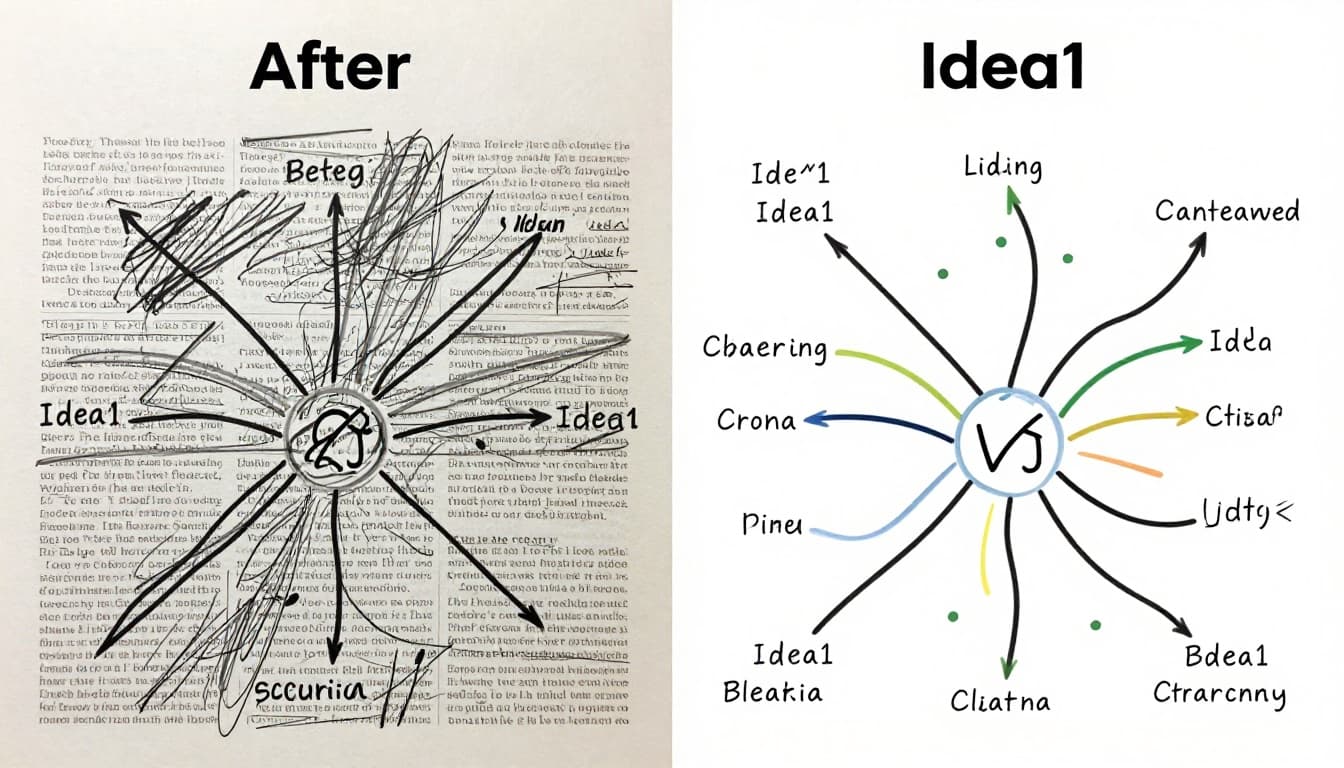
Common fixes from experts match here. See Xmind’s top mind mapping mistakes.
Cut the Word Overload and Embrace Keywords
Full sentences clog space. Brain stalls. Switch to phrases. “Buy milk” not “I need to go to store and buy milk.”
Before: Crowded blocks. After: Airy recall. Sparks flow better.
Limit Branches and Curve Your Lines for Natural Flow
Cap at 7 mains. Brain handles that. More overwhelms.
Curves follow thoughts. Straights feel rigid. Sketch loose. Feels right.
Always Add Colors and Doodles to Boost Memory
Text alone fades. Colors group ideas. Doodles stick like glue.
No art talent needed. Stick figures win. Icons trigger memory fast.
These swaps clean your work. Practice pays off.
Practice these exercises daily. Use the framework. Dodge traps with paper or apps like GitMind. Wins stack quick for sharper focus and ideas.
Grab paper today. Map your next goal. Share in comments what you made. See creativity soar by summer.