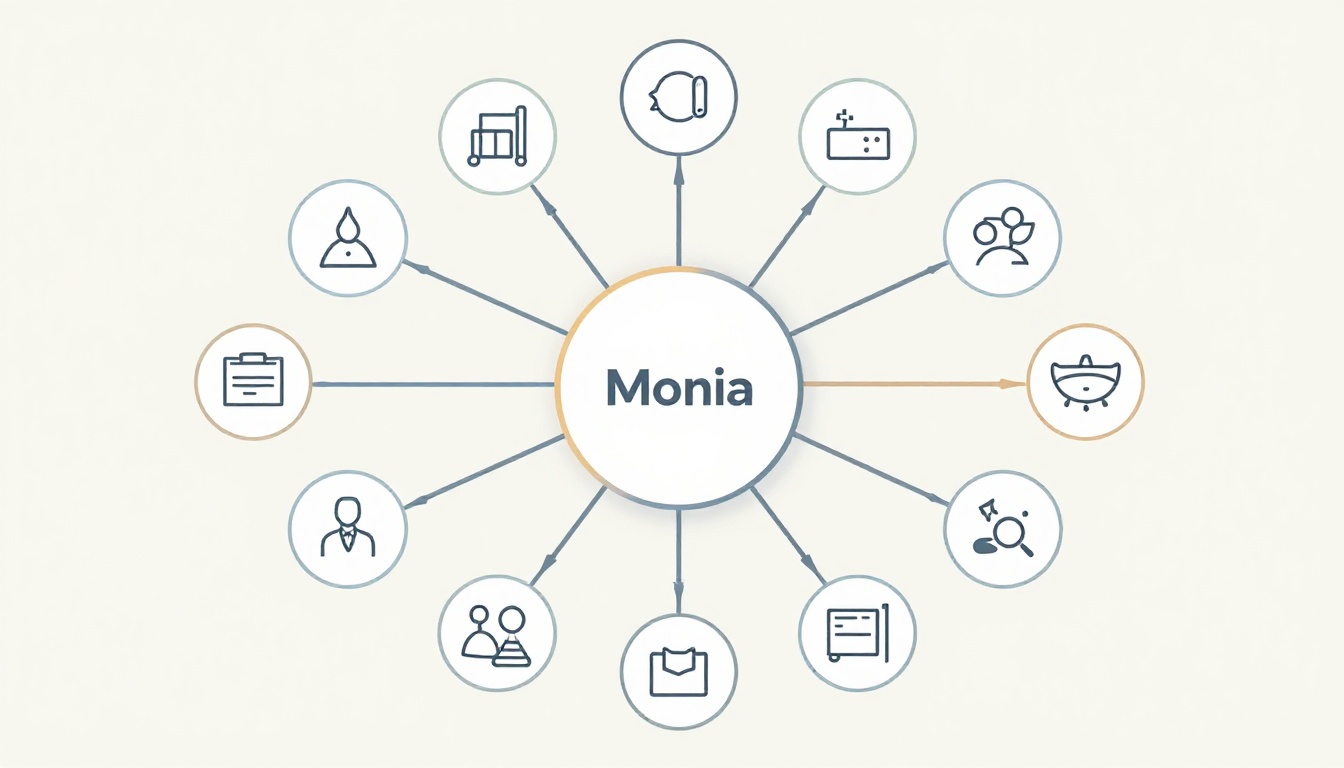
Picture this. You sketch a mind map for your next big project. Branches sprawl everywhere. Ideas overlap. You stare at it, confused. What started as a brainstorm now feels like a tangled mess.
A mind map offers a visual snapshot of your thoughts. It starts with one central idea. Branches spread out like tree limbs. This setup organizes info fast. Clear mind maps sharpen focus. They boost recall by 20 percent, studies show. Plus, they spark creativity during planning.
You can fix clutter with easy steps. Start with a solid center. Use short keywords. Build branches smartly. Add colors and images. Clean overlaps. Refine in sessions. These tricks turn chaos into clarity. You’ll think sharper and finish projects quicker. Ready to build better maps?
Pick One Strong Central Idea to Anchor Everything
Start every mind map with a single bold center. Pick “Fitness Goals” or “Weekly Tasks.” This anchors all branches. It stops ideas from drifting. Your map stays focused from the start.
First, brainstorm loose topics. List five or six. Choose the core one that ties everything. Write it large in the middle. Use bold lines or a circle. Now, everything connects back to it.
Take a project plan. Center says “Launch Product.” Branches flow from there. No stray notes. The map guides you. It feels simple to follow.
This step prevents overload. You expand without mess. Everyone sees the main point at a glance.

Stick to Keywords and Short Phrases for Easy Reading
Ditch full sentences. Use one or two words per branch. “Run daily” beats “I need to go running every day.” Short phrases save space. They let you scan fast.
Keywords stick in your mind. Full text crowds the page. Brevity keeps air between ideas. You spot patterns quicker.
Before: “Eat vegetables for better health and energy.” After: “Eat veggies.” See the difference? Action words pop. Nouns drive points home.
Skip articles like “the” or “a.” Focus on verbs and key terms. Test it now. Grab your last map. Shrink each branch. Feel the clarity grow.
For more on picking the right keywords, check this guide to decluttering mind maps.
Why Full Sentences Clog Up Your Map
Long text packs branches tight. You squint to read from across the room. Eyes tire fast. The map loses its visual punch.
Keywords breathe life in. They mimic how your brain stores info. Short bits pair with images for strong recall. Science backs it. Visuals plus brevity double memory hold.
Crowded maps frustrate. Switch to phrases. Watch ideas flow free.
Build Branches from Big Ideas to Small Details
Create a tree structure. Thick lines for main categories. Thinner ones for details. This shows levels clearly.
Add four to six main branches first. Then layer subs. Example: Center “Study Plan.” Main: “Math.” Sub: “Practice problems.” Connections shine.
Your brain loves hierarchy. It groups big to small naturally. Flat lists confuse. Tree flow reveals links.
Avoid straight lines. Curve them for organic feel. Space branches even.

How Many Branches Fit Without Overcrowding
Cap main branches at five to seven. Each gets three to five subs. More than that? The page chokes.
Curve lines outward. Spread across the canvas. This fits extras without crush.
Tools confirm it. Big-to-small order sharpens focus. In 2026, AI apps like GitMind suggest limits automatically. They keep maps lean.
Use Colors and Images to Make Ideas Pop
Assign one color per category. Blue for tasks. Green for goals. Colors group ideas instantly. Your eyes jump between sections.
Add simple icons. A running shoe for fitness. An apple for diet. No art skills needed. Emojis work fine.
This taps visual memory. Studies show colors boost retention 40 percent. Sections stand out. Recall speeds up.
Example: Red branch for urgent tasks. Yellow for brainstorms. The map turns alive.
See a checklist for clearer maps that includes color tips.

Quick Color Schemes That Work Every Time
Try this starter: Red for action items. Yellow for new ideas. Blue for facts. Green for wins.
Images help too. Paste photos or stickers. No drawing? Use app icons. They add pop without fuss.
Keep it consistent. One scheme per map. Clarity follows.
Hunt for Overlaps and Refine Over Multiple Sessions
Step back often. Spot duplicates. Merge “Email clients” and “Contact list” into one.
Review branches. Link related ideas with dotted lines. Delete true repeats.
Build in stages. Session one: Outline center and mains. Two: Add details. Three: Polish colors.
This catches rush errors. Maps evolve sharp. Review weekly. They stay fresh.
In April 2026 trends, AI auto-spots overlaps in tools like MyMap.ai. Simple habits still rule.
Clear mind maps transform thinking. Pick a strong center. Use keywords. Build hierarchies. Add colors. Refine often. These steps cut stress. Projects speed up.
Grab paper or an app today. Test one tip on your next idea. Notice the focus shift. Share your clearest map in comments. What changed for you? Subscribe for more tools to think better.