
Ever stared at a blank page, ideas swirling in your head like a storm? You jot them down fast, but soon everything blurs into chaos. Mind maps fix that. These visual tools start from one central idea and branch out to organize thoughts.
The center holds your main topic. It acts as the anchor. Everything else connects back to it. Pick the wrong one, and your map drifts. Choose right, and clarity hits instantly. Tools like XMind and MindMeister make this easy with drag-and-drop features.
In 2026, mind mapping surges with AI helpers that suggest strong centers. Yet the core rule stays simple: nail the mind map center first. This boosts focus and sparks better results. Let’s see why it works so well.
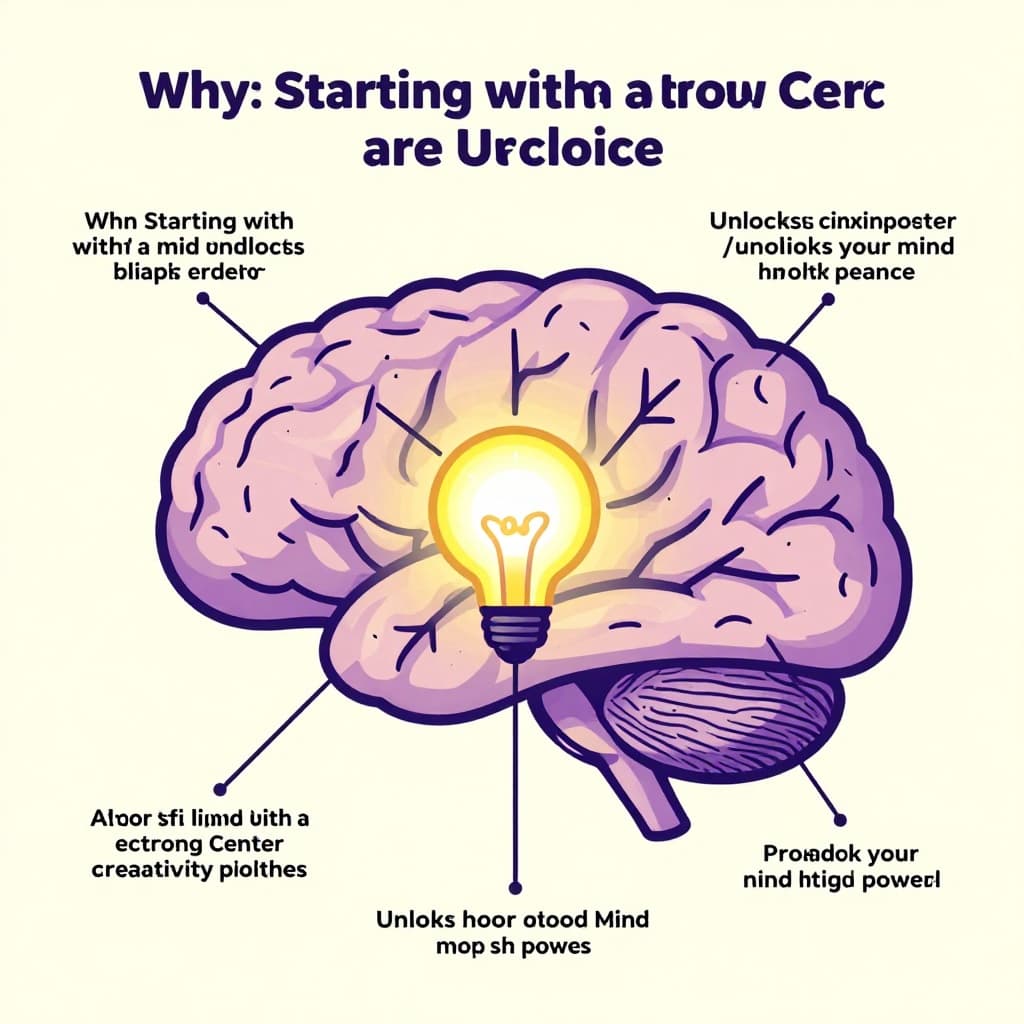
Why Starting with a Strong Center Unlocks Your Mind Map’s Power
A solid center shapes your entire mind map. It defines the main goal or problem. Branches then flow out logically. This setup keeps you on track.
Without it, ideas scatter. You chase tangents and lose sight of the point. But a clear center guides you. It reveals links between concepts you might miss.
Take planning a vacation. Put “Vacation Plan” in the middle. Branches cover budget, flights, and activities. Connections pop up, like cheap flights tying to budget limits.
Experts agree. Studies show radial maps like this match how your brain works. Recall improves by 10-20%. Creativity flows because limits fade.
In work or school, this shines. Project managers use centers for goals. Students map chapters around key themes. Colors and images make the center stand out more.
Current tools blend mind maps with graphs. XMind adds AI for auto-branches from your center. This fits 2026 trends perfectly.
How a Clear Center Keeps Your Ideas from Getting Messy
Skip a strong center, and branches wander. One idea leads to unrelated ones. Your map turns into a web of confusion.
A good center changes that. It sets boundaries. Every branch must link back. Subtopics stay tight.
Picture a messy map on biology without “Cell Structure” at core. Notes on mitochondria mix with unrelated cells. Add the center. Now branches like nucleus and membrane organize neatly. Focus returns.
This method avoids clutter. You see the big picture fast. For more on structure basics, check Figma’s mind map examples for brainstorming.
Boosting Brainpower: Creativity and Recall Made Easy
Mind maps mimic brain patterns. Ideas radiate from one point. This sparks new thoughts naturally.
Science backs it. Users remember more because visuals stick. In teams, shared maps build on the center for group input.
Apply it daily. Writers center on “Story Plot.” Details branch out. Recall jumps during edits.
At school, center a history lesson on “World War II Causes.” Branches cover events and figures. Tests become simpler.
Pick the Right Central Idea: Keep It Simple and Spot-On
Choose your central topic mind map wisely. Go for one word or short phrase. “New Product Launch” beats a full sentence.
Make it bold. Circle it. Add an icon, like a plane for travel plans. This draws the eye.
Flexibility counts. Update as ideas grow. Start broad, then refine.
Great centers share traits. They focus on the goal. Stay specific yet open. Use action words.
Examples help. “Job Search” works over “How to Find Work.” It invites branches like resumes and networks.
Tools shine here. MindMeister lets you drag images into the center. XMind offers templates with pre-set nodes.
Avoid overload. No long lists there. Keep space for branches.
For best practices on general structures, see this comprehensive guide to mind map components.
Short and Punchy Wins Every Time
Brevity grabs attention. Long phrases overwhelm at a glance.
“Job Hunt” beats “Strategies for Landing My Dream Job Next Year.” The short one sticks.
Readers scan centers first. Punchy ones deliver the point fast. Branches fill details.
Test it. Write both. See which feels right. Short always wins.
Make It Visual to Grab Attention Fast
Colors pop. Blue for calm topics, red for urgent ones. Tools auto-suggest palettes.
Icons simplify. A lightbulb for ideas. A checklist for tasks.
Don’t overload. One image per center max. Space matters.
XMind’s features let you resize nodes easily. This keeps the center dominant.
Examples Straight from Popular Mind Mapping Tools
Real tools show it best. XMind handles projects with ease. Centers drive everything.
MindMeister suits learning. Collaborative edits build on strong cores.
Newer options like Infinity Maps add zoom for big ideas. They fit 2026’s AI push.
These make tough topics simple. School projects or work plans flow better.

XMind tops lists in April 2026. Its sync across devices keeps centers central.
XMind: Perfect for Project Brainstorms
Start with “Plan Vacation” in XMind. Circle it bold.
Add branches: Budget, Itinerary, Packing. Sub-branches follow, like hotels under Itinerary.
Pitch Mode turns it into slides. Great for teams. See XMind’s presentation templates for ready starts.
Projects stay organized. No more lost details.
MindMeister: Study Smarter, Not Harder
For biology, center “Cell.” Branches: Nucleus, Cytoplasm.
Real-time edits let classmates add notes. Tasks assign review points.
Costs $54 yearly, but free trials work. Check MindMeister’s project planning examples.
Grades improve with visual recall.
2026 Trends: Next-Level Tools Like Infinity Maps
AI rules now. Tools generate branches from text prompts.
Infinity Maps mixes whiteboards and maps. Central nodes zoom deep. Perfect for research.
Its iMapping method unifies styles. No info overload. Visit Infinity Maps startpage for demos.
Cross-platform sync grows popular too.
Quick Steps to Nail Your Mind Map Center Every Time
Follow these four steps. Results come quick.
First, write your central topic. Keep it short, like “Fitness Goals.”
Second, add 5-10 main branches. Use thick lines.
Third, build sub-branches. Details go here.
Fourth, review. Tweak for flow. Delete extras.
Common pitfalls hurt. Vague centers like “Stuff” fail. Crowded ones block branches.
Checklist: Is it one phrase? Visual? Goal-focused? Test now.
XMind or paper both work. Start small for wins.
Turn Chaos into Clarity with One Strong Center
Your mind map thrives on a simple, visual central idea mind map. It anchors everything and sparks connections.
Grab paper, XMind, or MindMeister today. Pick one topic. Build out. Watch ideas organize.
Share your map in comments. What center changed your workflow? Subscribe for more tips on visual tools.
Chaos fades. Clarity builds projects, studies, and goals that stick.