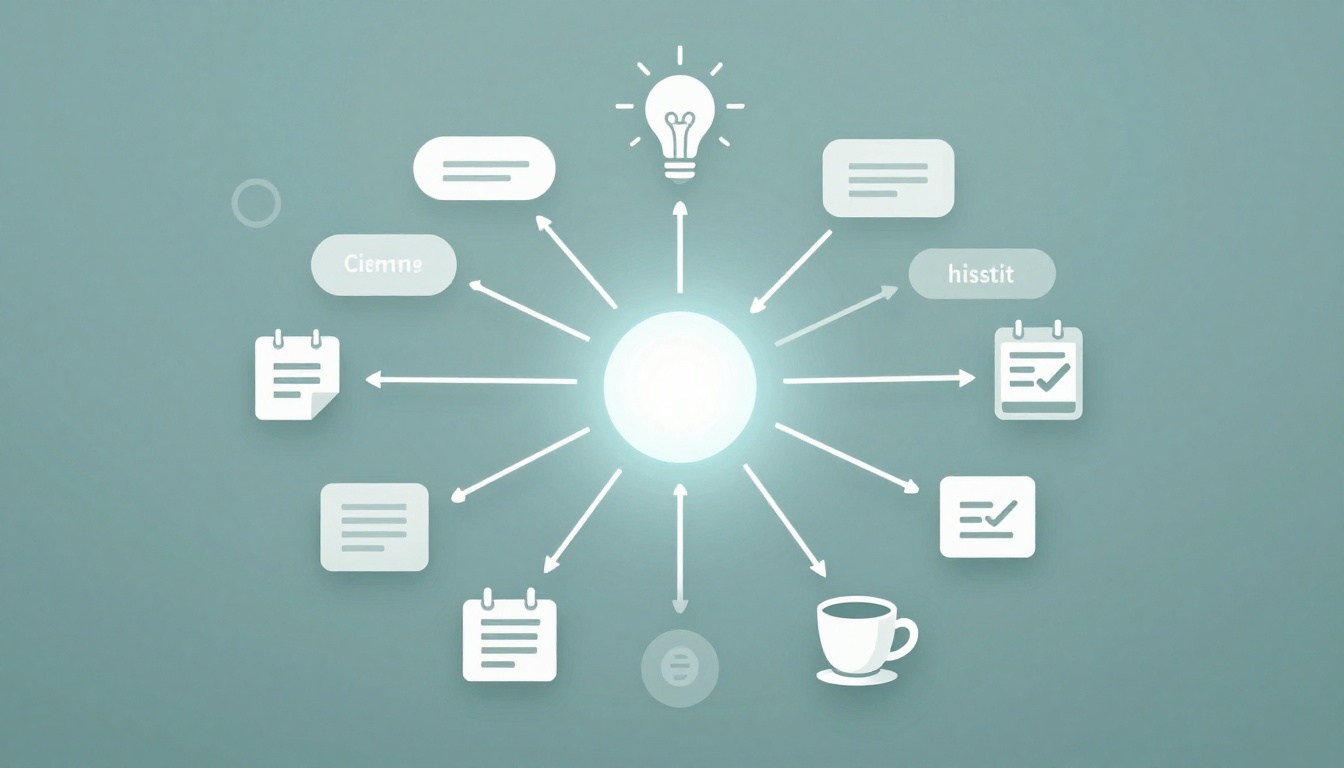
Picture this. You wake up with a head full of ideas. Work deadlines mix with grocery lists and weekend plans. Everything feels scattered. You grab a notebook, but lists just pile up more chaos.
Mind maps change that. They start with one central idea. Branches spread out to link related thoughts. Colors and icons make connections pop. You see the big picture fast. Studies show they boost memory and spark creativity. In 2026, AI tools even build maps from your voice notes.
This post walks you through the basics. You’ll learn why they work, how to make one step by step, real-life uses, top tools, best practices, and traps to skip. By the end, you’ll have simple ways to tame mental mess right now.
What Makes Mind Maps Perfect for Sorting Your Thoughts
Mind maps look like radial diagrams. A central topic sits in the middle. Main branches extend out for key ideas. Sub-branches add details with short words, colors, or drawings.
Lists feel linear. They force thoughts into straight lines. Mind maps mimic how your brain works. Ideas connect in curves and clusters. You spot patterns or gaps easily. For example, a grocery list stays flat. Turn it into a map with branches for produce, dairy, and snacks. Links show meal combos you missed.
Benefits stack up. They improve recall because visuals stick. Creativity flows as branches inspire new paths. Problem-solving sharpens when you see full links.
In 2026, updates shine. AI suggests branches from prompts. Real-time team edits happen in apps. These tweaks make maps faster for busy days.
Users report less overwhelm. One quick map clears fog on projects. Another handles daily goals. Start simple. Grab paper or an app. Watch thoughts organize themselves.
The Science Behind Why They Work
Research backs mind maps. Visual maps aid memory better than text alone. Colors and images help ideas lodge in your brain.
A study on nursing students found mind maps boosted info recall. They beat traditional notes for quick retrieval. Another review showed gains in medical learning. Students connected concepts faster.
Your brain loves patterns. Mind maps match neural paths. They trigger out-of-the-box links. Design teams use them to spot hidden ties.
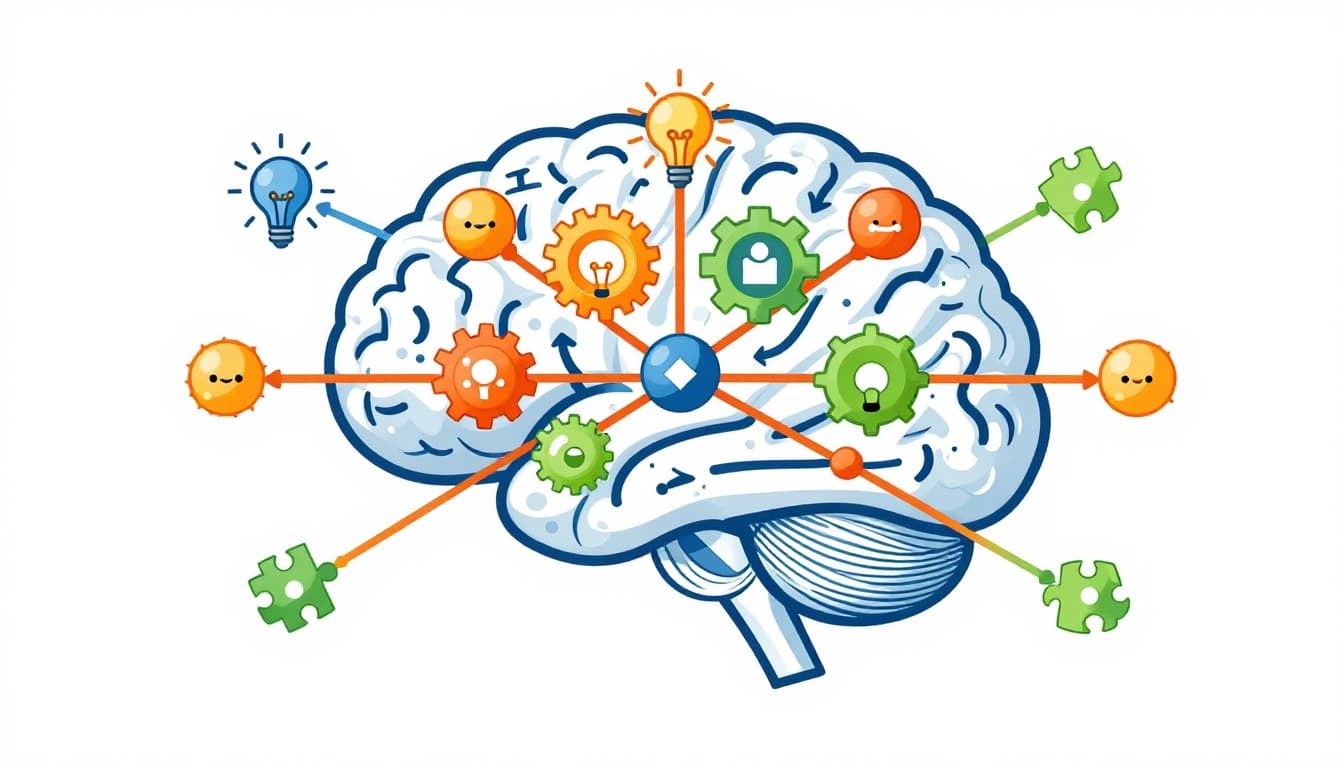
For details on student outcomes, check this study on mind mapping for learning.
Build Your First Mind Map Step by Step
Ready to try? Follow these steps. They turn jumble into clarity. Keep it fun and quick.
- Pick your central idea. Write it big in the middle. Use one word or short phrase. Say “Family Trip” for vacation plans.
- Draw three to five main branches. Add key areas. For the trip, try “Travel,” “Stay,” “Activities,” “Budget.”
- Add sub-branches. Use keywords only, one to three words each. Under “Travel,” list “Flights,” “Car Rental,” “Packing.”
- Grab colors and icons. Color branches different shades. Sketch a plane for flights. This makes recall easy.
- Link related items. Draw dotted lines between branches. Connect “Budget” to “Flights” costs.
- Review and tweak. Step back. Add misses or cut extras. Refine curves for flow.
- Speed it up with 2026 tricks. Speak notes to AI. Let it generate branches.
Start messy. Clean later. Paper works first. Then go digital.

This example shows a project map. Central node splits to tasks, budget, and timeline.
Hand-Drawn vs Digital: Which to Choose First
Paper sketches shine for solo brain dumps. No apps slow you. Ideas flow freehand.
Digital wins for edits and shares. Drag branches easy. Add team comments.
Begin on paper. Build speed. Switch to apps for polish.
Everyday Ways Mind Maps Tame Mental Chaos
Mind maps fit daily life. They sort chaos into action. Let’s see real cases.
Take brainstorming. You fight blocks on new ideas. A central problem branches to solutions.
Project planning shifts mess to timelines. Daily goals get voice priorities.
Studying connects facts. No more rote lists.
In 2026, tools add multi-views. Switch maps to timelines. Teams collab live.
Brainstorm Like a Pro Without the Block
Start with a core question. Like “App Features.” AI expands branches. Add team votes on winners.
One user mapped blog topics. Central “2026 Trends” led to AI tools. Links sparked posts.
Flow stays smooth. No stuck pages.
Plan Projects from Chaos to Clear Timeline
Event launch? Central “Launch Party.” Branches for tasks, budget, guests.
Link tasks to dates. Export as Gantt view. Chaos turns clear.
A marketer planned a campaign. Budget tied to ads. Timeline showed delays early.
Ace Studying by Connecting the Dots
Biology class? Central “Cell.” Branches to nucleus, membrane. Icons show functions.
Add definitions short. Quiz yourself on links. Recall jumps.
Students map chapters. Visual ties beat flashcards.
Top Mind Mapping Tools to Try in 2026
Tools make maps pro-level. Free tiers start easy. AI builds fast.
Top picks: GitMind for AI ideation, XMind for slides, Mindomo for teams, Miro for boards, Boardmix for mobile.
| Tool | Strengths | Free Tier? |
|---|---|---|
| GitMind | AI layouts, voice input | Yes |
| XMind | Pitch modes, exports | Yes |
| Mindomo | Real-time collab | Yes |
| Miro | Whiteboards, teams | Limited |
| Boardmix | Phone-first, auto-maps | Yes |
These shine per 2026 tool comparisons. GitMind auto-detects links. XMind turns maps to decks.
Beginners love simple drags. Export to PDF or slides.
Master Mind Maps: Best Practices and Pitfalls to Dodge
Keep central ideas sharp. Use one focus.
Short labels rule. One to three words max.
Colors code branches. Icons spark memory.
Iterate often. Update as thoughts grow.
Tap AI for branches. Collab with teams.
Common slips hurt. Overload with text clogs flow. Fix: Cut to keywords.
Static maps stale. Update weekly.
Skip visuals? Add them now.
Ignore exports? Save as images or docs.
Practice fixes all. Experiment today.
Mind maps turn scatter into structure. You link ideas visually. Memory strengthens. Creativity sparks. Use them for brainstorms, projects, or study.
Grab paper or GitMind now. Map one thought today. See calm hit.
Share your first map below. What cleared up? Subscribe for tool tips. Clearer thoughts wait.