
Ever feel buried under a pile of ideas? You sit down to plan a project or study for a test, but thoughts scatter everywhere. A simple mind map fixes that. It turns chaos into a clear picture, like a snapshot of your brain.
Mind maps use branches and colors to link ideas. They boost memory because visuals stick better than lists. Plus, they save time and fire up creativity for better decisions. You can do this on paper or with free apps, no skills needed.
This guide walks you through creating a simple mind map step by step. You’ll start with basics and end with pro tips. Let’s grab supplies and get going.
Gather Your Supplies and Spark Ideas First
Prep sets you up for success. You build excitement when ready. Pick tools that match your style, then choose a topic. Brainstorm freely next. Keep it light for your first try.

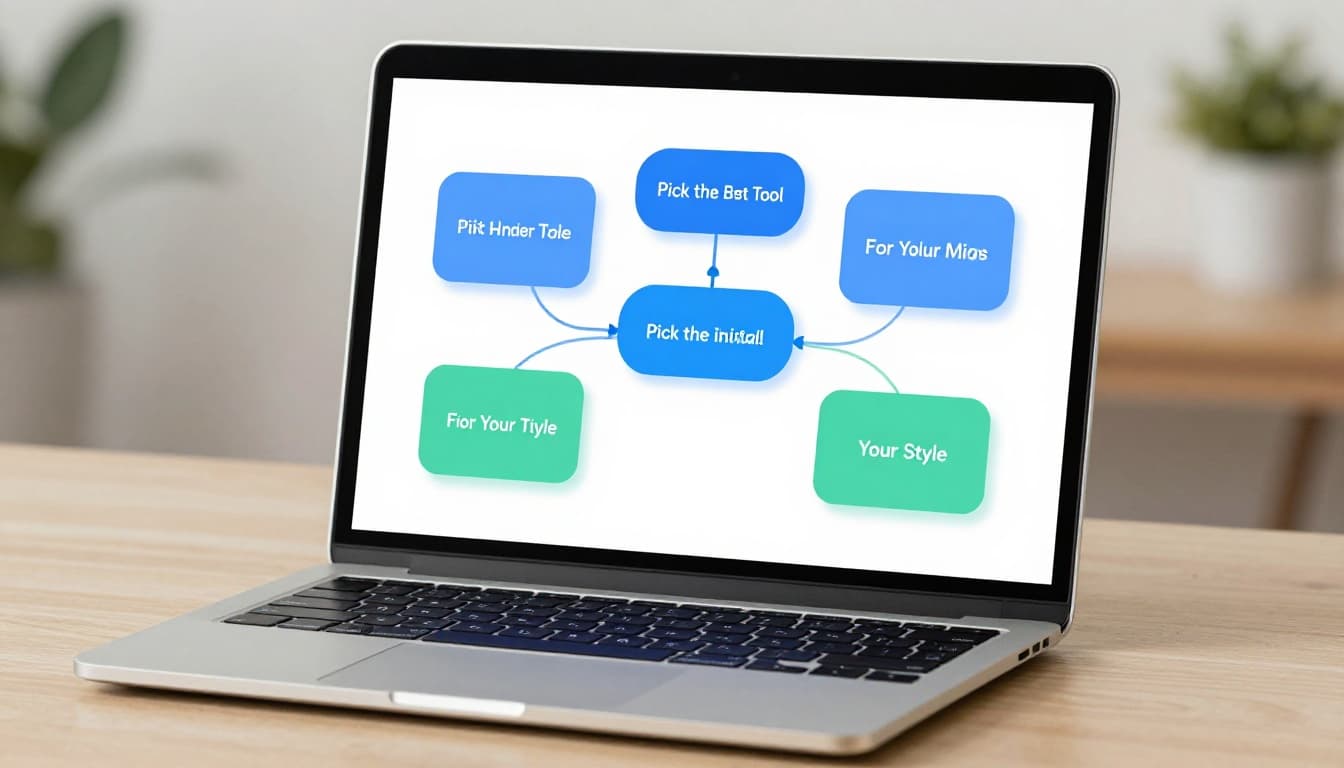
Pick the Best Tool for Your Style
Start simple with pen and paper. Markers add color for fun. You feel the flow as lines curve naturally. Scan it later to share digitally if needed.
Digital shines for edits. Canva offers free mind map templates in 2026, perfect for quick pro results. Miro excels in teams with AI auto-layout. Both have free tiers that work well. Check tested free mind mapping software options for 2026 to compare.
Paper suits beginners because it’s forgiving. Digital helps if you tweak often. Try both; pick what clicks.
Choose a Topic That Matters to You
Focus on something small. Daily goals work great, or plan an event. “Summer Vacation Ideas” keeps it fun. “Learn Guitar” sparks personal drive.
A strong center topic anchors everything. It prevents sprawl because branches tie back easy. You stay motivated when it matters.
Examples help. Pick “Party Plan” for practice. Or map a book summary. Relevance makes the map useful right away.
Brainstorm Without Limits
Jot keywords fast on scrap paper. No full sentences; single words only. Aim for 10-20 items in two minutes.
Don’t judge yet. “Cake,” “Friends,” “Music” flow free. Messy lists turn golden later. This step unlocks creativity before structure.
Build Your Mind Map Step by Step from the Center Out
Now draw it out. Follow these six steps in order. Use your brainstorm list. Party planning example shows how. Wavy lines add energy; thick for mains, thin for details.
- Draw the central idea big and bold. Place your main topic dead center. Circle it large. Pick a bright color like red for “Party Plan.” This grabs eyes and sets the anchor.
- Add main branches for big categories. Shoot out 4-8 thick lines. Label short phrases: “Food,” “Guests,” “Venue,” “Activities.” Space even around the circle. Balance matters for clean looks.
- Grow sub-branches for details. From each main, draw thinner lines. Add “Pizza, Cake” under Food. “Invite 20, RSVP” for Guests. Stop at 2-3 levels. Keywords keep it simple.
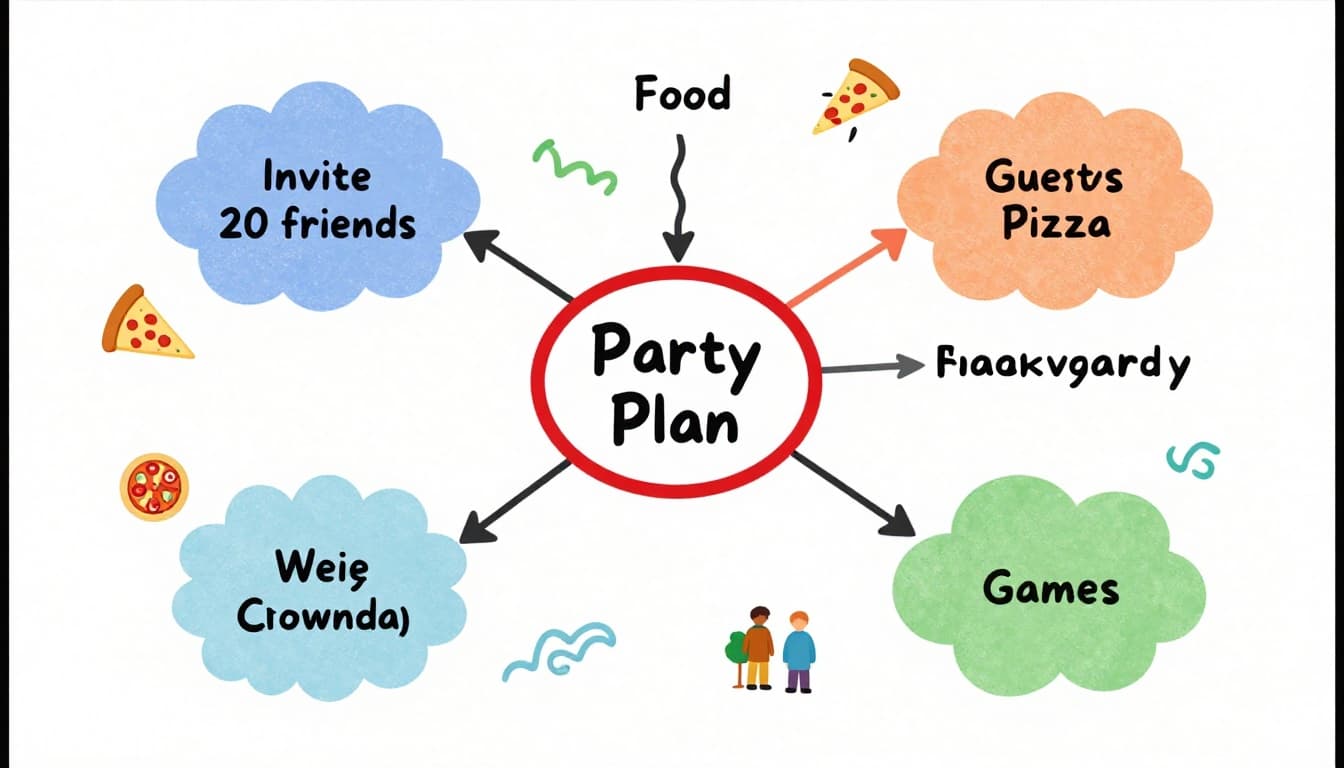
4. Rearrange for better flow. Group relatives close. Drag digital nodes easy, or erase on paper. Move “Games” near Activities. Logical paths emerge now. 5. Layer on colors and images. Assign hues per family: blue Food, green Guests. Doodle icons like pizza slice. Digital tools let you paste photos. This boosts recall big time. 6. Connect loose ends. Add faint lines between branches if links exist. “Music” ties to Activities. Step back often for overview.
These steps build outward naturally. Practice once; it clicks fast.
Review, Refine, and Dodge Beginner Traps
Polish makes maps shine. Walk away five minutes, then scan. Cut extras that don’t fit. Ensure branches show clear ties.
First drafts look rough; that’s normal. Refine turns good into great.
Spot and Fix What Went Wrong
Watch these slips:
- Wordy branches bog down. Fix: swap to keywords only.
- Plain black and white bores. Add colors quick.
- Crammed layout confuses. Space out branches.
- Over-plan kills flow. Brainstorm looser next time.
- Skip review leaves gaps. Always check twice.
Quick tweaks save hours. Beginners gain speed here.
Mind maps clarify thoughts fast, so even messy starts lead to wins.
Step Back for the Final Check
Ask key questions. Does it spark fresh ideas? Do links make sense? Print or export to test.
Update anytime; ideas shift. Share with friends for feedback. A solid map guides action now.
Level Up with 2026 Mind Mapping Trends
Simple maps rock, but 2026 adds flair. AI in Miro suggests branches from text. Canva templates speed starts. Try AI mind map generators compared for 2026.
Interactive maps embed links or videos. Hybrid flows paper to digital scans. Life strategy maps blend goals and habits.
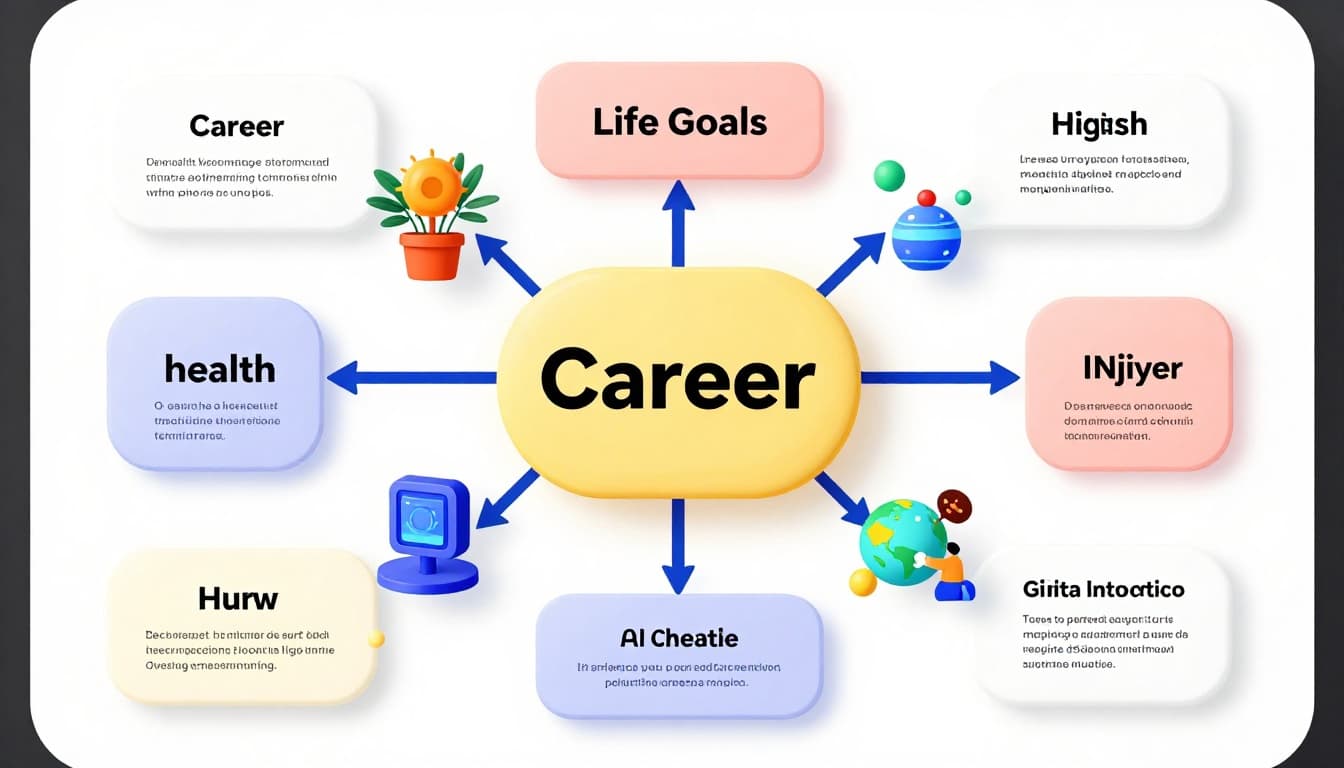
Experiment light. These boost without complexity. Free tools like XMind fit trends too.
Mind maps start simple, yet they reshape how you think. You now know the steps: gather, build, refine. Grab paper or open Canva today. Create your first one.
Share your map in comments. What topic did you pick? These visuals transform overwhelm into clear paths every time.