
Picture this. You sit down in January 2026 to map your goals for the year. Ideas flood in: work projects, family trips, fitness routines. But your notes turn into a scribbled mess. Nothing connects. Frustration builds fast.
You need branches and subtopics that clarify everything. Clear mind maps save hours. They sharpen focus and make sharing simple. No more lost thoughts.
This post shows you how. Start with a strong center. Build main branches step by step. Layer subtopics without clutter. Add visuals for quick scans. Tailor it to apps like Obsidian or Notion. By the end, your 2026 plans will shine.
Start with a Rock-Solid Central Idea
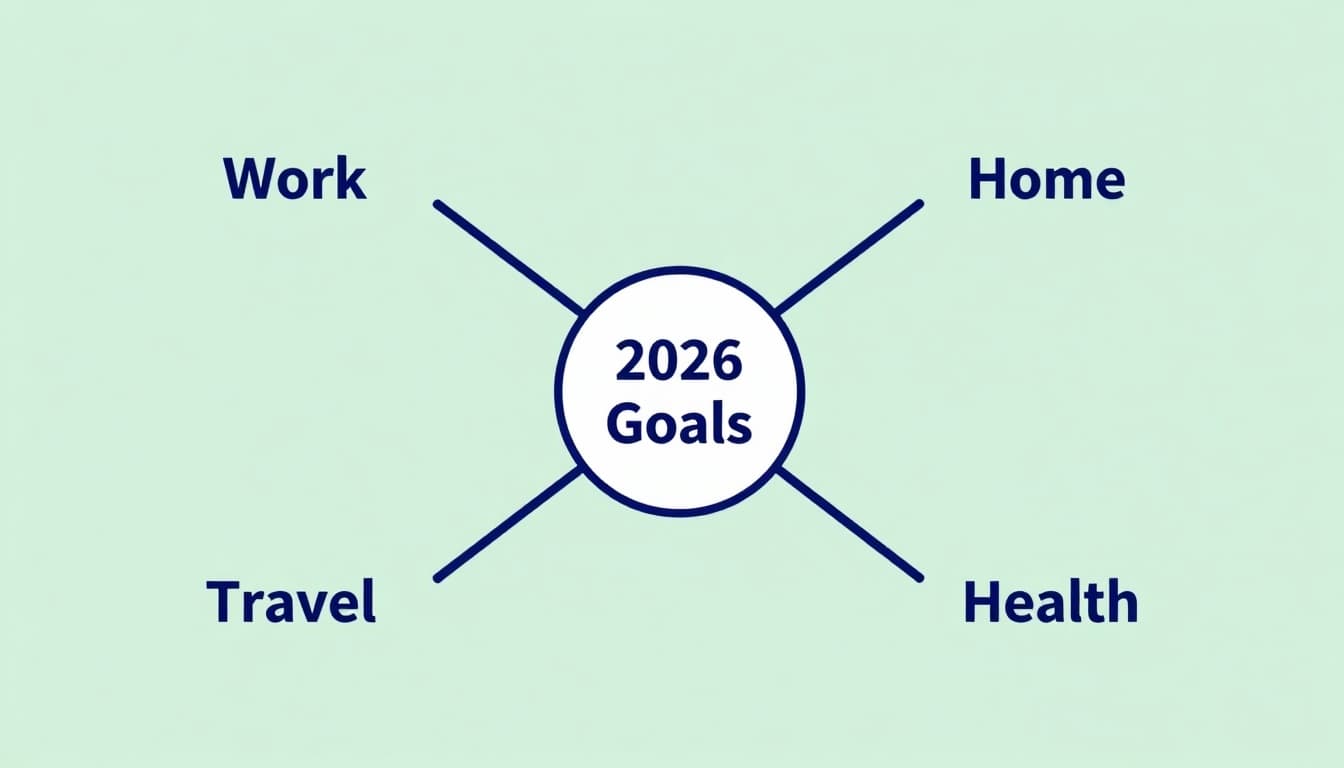
Pick one main topic. Boil it down to 1-5 bold words. “2026 Goals” works great. Or “World Capitals” for study notes. Place it dead center. Make it big and standout.
Why center? It anchors everything. All branches flow from there. Simplicity rules. Overcomplicate, and overwhelm hits quick.
Brainstorm first. Jot loose ideas on paper. Then refine to that core phrase. Everyday example: planning a road trip. Center says “Summer Drive.” Direction sets instantly.
Benefits stack up. A solid center guides branches. Focus stays sharp. Your map grows organized from the start.
Draw Your First Main Branches Right
Draw 4-8 lines from the center. Label each with short key phrases. No full sentences. “Europe” or “Work Goals” fit perfect.
Go logical. Start with biggest ideas. Clockwise order helps flow. Work first, then home, travel last.
This creates balance. Your map reads smooth. Ideas connect natural.
For example, under “2026 Goals,” add “Career Boost,” “Family Time,” “Fitness Plan,” “New Skills.” Each pulls equal weight.
Know When to Stop at Main Level
Cap mains at 4-8. More breeds clutter. Group similar thoughts first. Merge “Gym” and “Diet” into “Health.”
Scannability wins. Busy maps confuse. Test it: can you grasp mains in seconds?
As a result, your core stays visible. Room opens for subs later.
Layer Subtopics Smoothly Without Mess
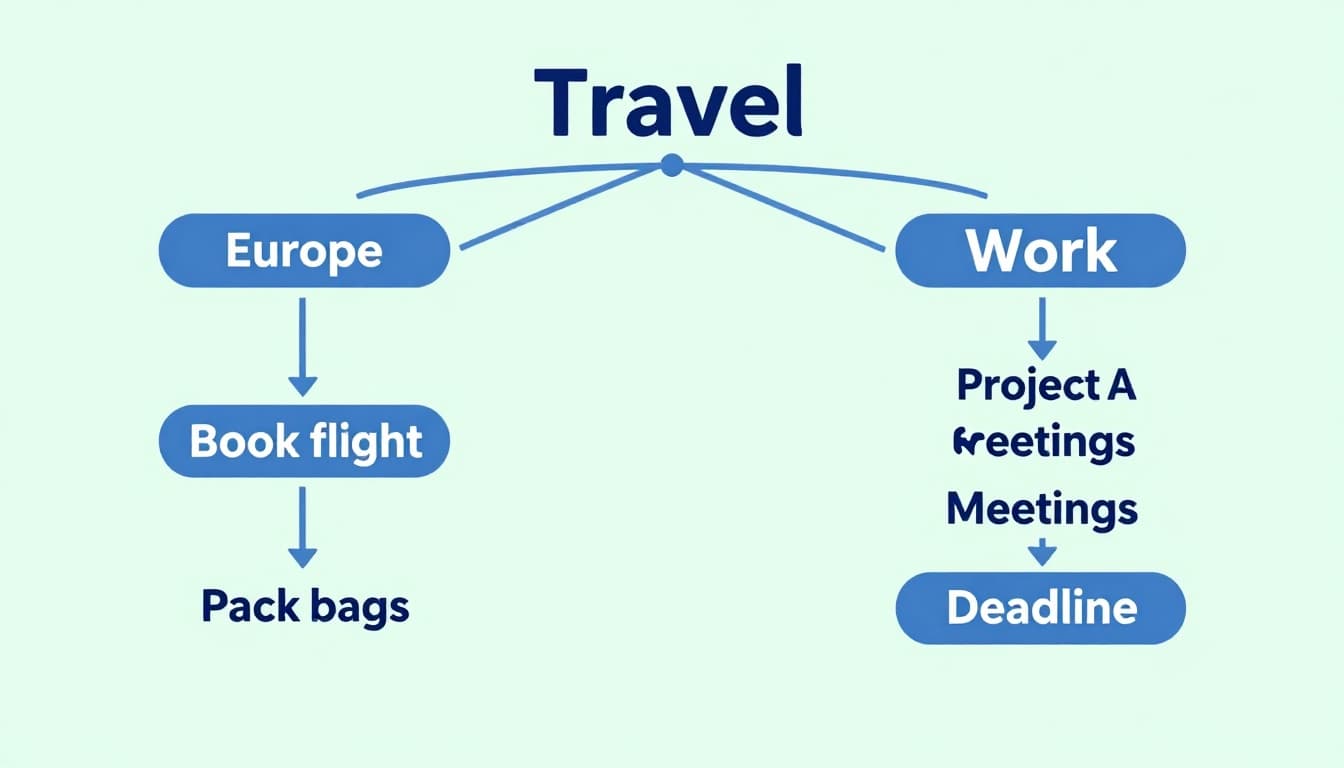
From each main, add smaller branches. Use single words or tiny phrases. “London” under “Europe.” Or “Book Flight” below “Travel.”
Go 3-4 levels deep max. Deeper muddies waters. Parallel structure shines. Start all subs with “Step:” or “Goal:.” Consistency aids reading.
Benefits hit hard. Depth builds without chaos. Ideas nest clean.
Take planning notes. Main “Work Goals” gets “Project A,” then “Meetings,” “Deadline.” Clear path emerges.
Studying history? “World War II” branches to “Causes,” “Battles,” “Leaders.” Each sub adds detail smart.
For best practices on high-impact branches, check MindMeister’s six strategies.
Link Ideas with Lines and Arrows
Straight lines show branches. Arrows mark flow. Goal 1 points to Goal 2. Steps sequence natural.
Connections pop. Drag to reorder. Logic improves fast.
This visual glue ties it together. No loose ends.
Make It Pop with Colors, Icons, and Reordering
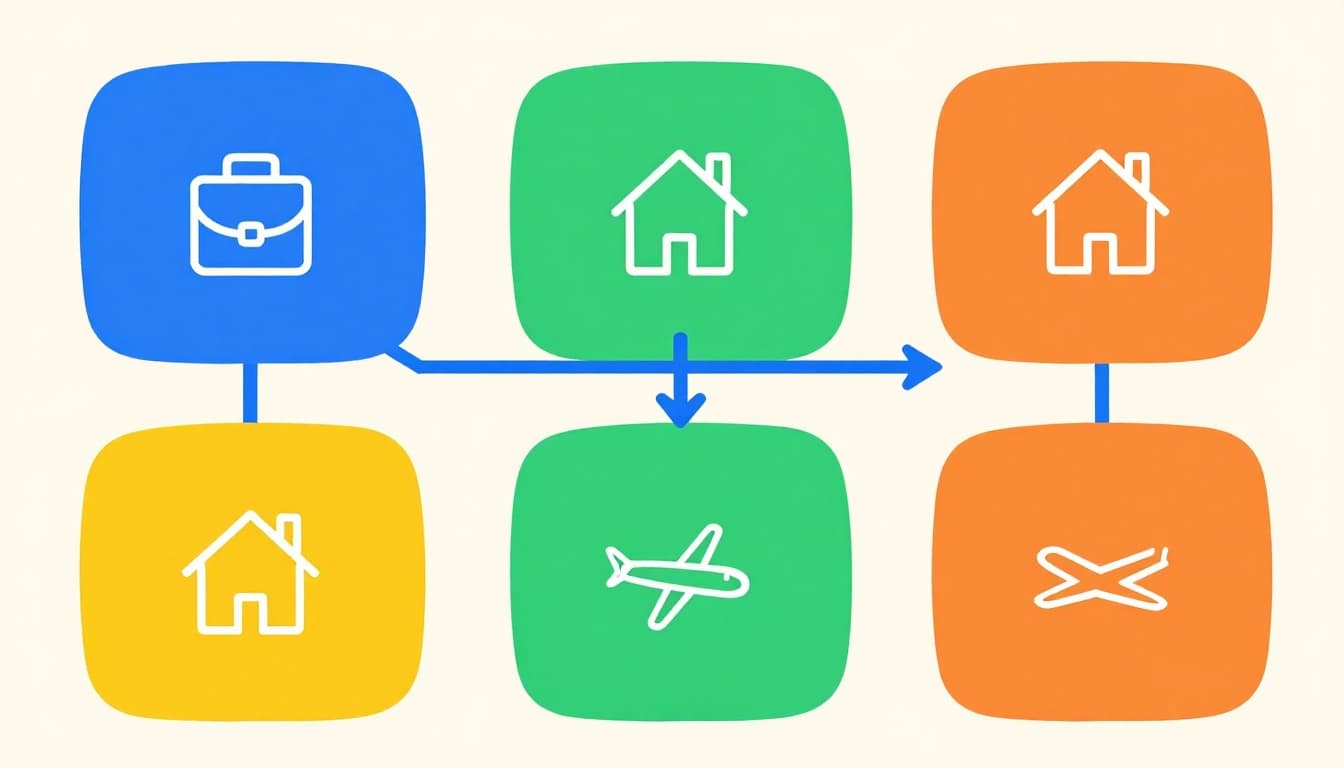
Assign colors by category. Blue for work. Green for home goals. Orange signals travel.
Add simple icons. Briefcase for career. House for family. Plane for trips. Bigger text on mains. Shrink subs.
Drag anytime. Reorder boosts logic. Scan happens in seconds now.
Fun factor rises. Engagement holds. Green home branch stands out cheerful.
Review often. Trim extras. Ask: does this serve the center? Cut no’s.
For visual brainstorming tips, see Mural’s guide to connecting ideas.
Embed Notes or Files for Extra Power
Attach details smart. Link notes without bloating the map. Or embed files. Click expands info.
Clutter stays low. Power amps up. Your map links to full plans.
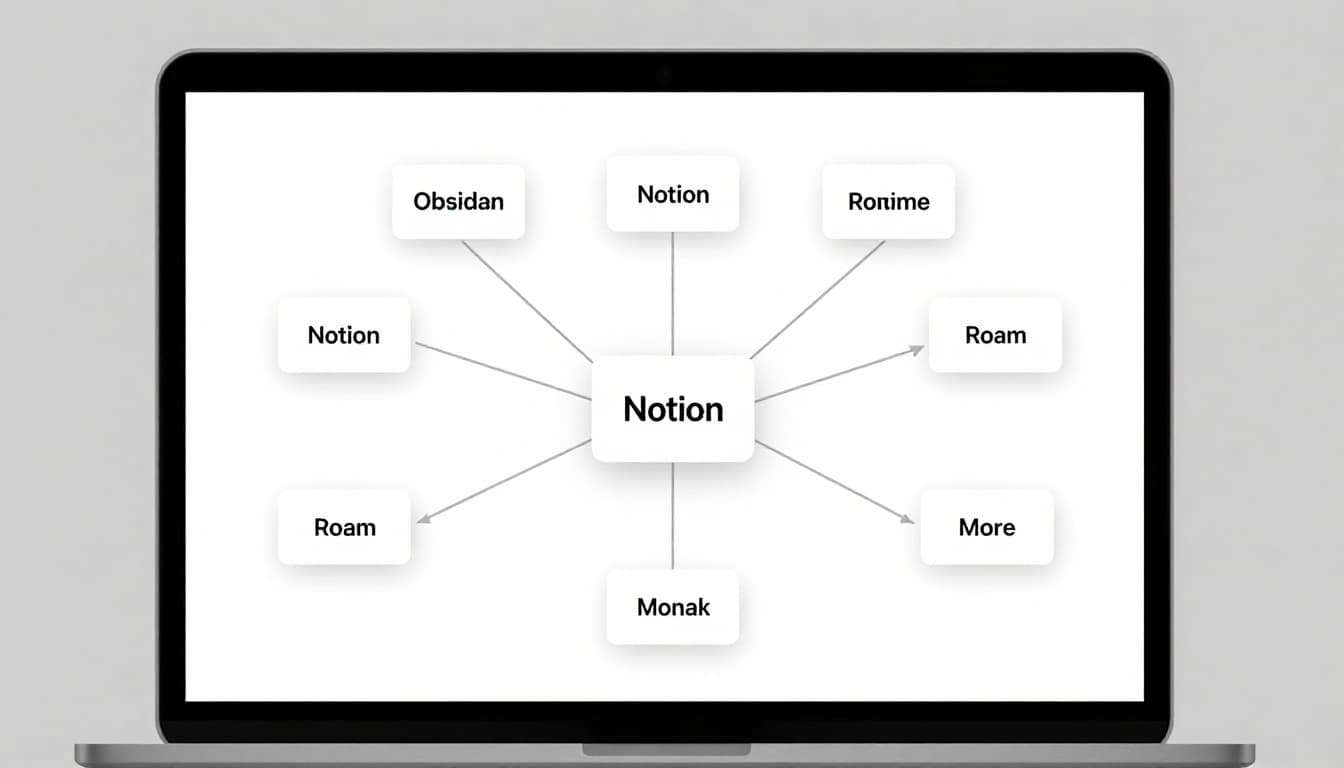
Customize for Obsidian, Notion, Roam, and More
Tailor to your app. Each handles branches unique. Fits your flow perfect.
Obsidian shines freeform. Notion expands on click. Roam connects bullets deep.
Pick what matches. Workflow wins big.
Obsidian Canvas for Freeform Mapping
Use Canvas for endless whiteboards. Drag notes as branches. Folders act mains. [[Links]] build subs.
Backlinks now show in views. Graph counts them. Plugins like Excalidraw draw precise. Mind Map turns outlines visual.
Create via command: type “canvas.” Zoom, drag free. A Reddit user shares fast no-plugin tricks.
Notion Blocks That Expand on Click
Drag blocks for branches. Toggles hide subs. Databases make boards.
Icons and subpages layer deep. Board views group mains. For tutorials, try Bullet.so’s two easy methods.
Roam Bullets That Connect Everything
Indent bullets for subs. {{Embeds}} pull content. Queries link across.
Daily notes branch daily. Outlines nest natural. See Zsolt’s note organization tips.
Atlassian’s mind mapping basics apply across apps.
Your map adapts. Productivity soars.
Clear branches transform chaos to plans. Start center strong. Add mains limited. Layer subs parallel. Color code smart. Link with lines. Customize apps.
Build one today for 2026. Grab paper or open Obsidian. Watch ideas click.
Share your map in comments. Which app wins for you? Turn thoughts to wins now.